
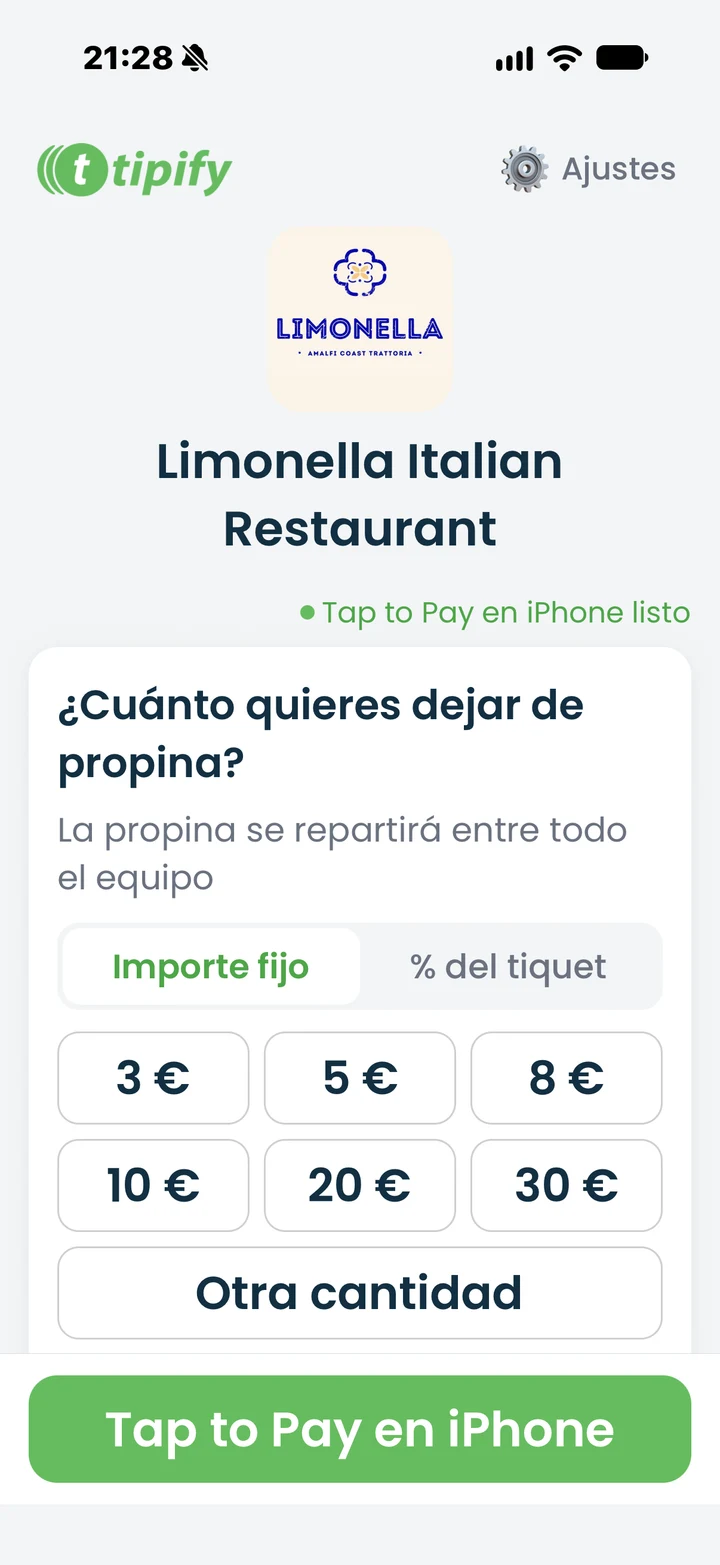
From your team’s phone
Bring your phone to the moment of service. The customer chooses a tip and pays with a compatible contactless card or payment method.
Check compatible devices Panel
Accept tips with Tap to Pay on your team’s compatible phone.
Requires a Tipify account, activation and a compatible device. Check requirements
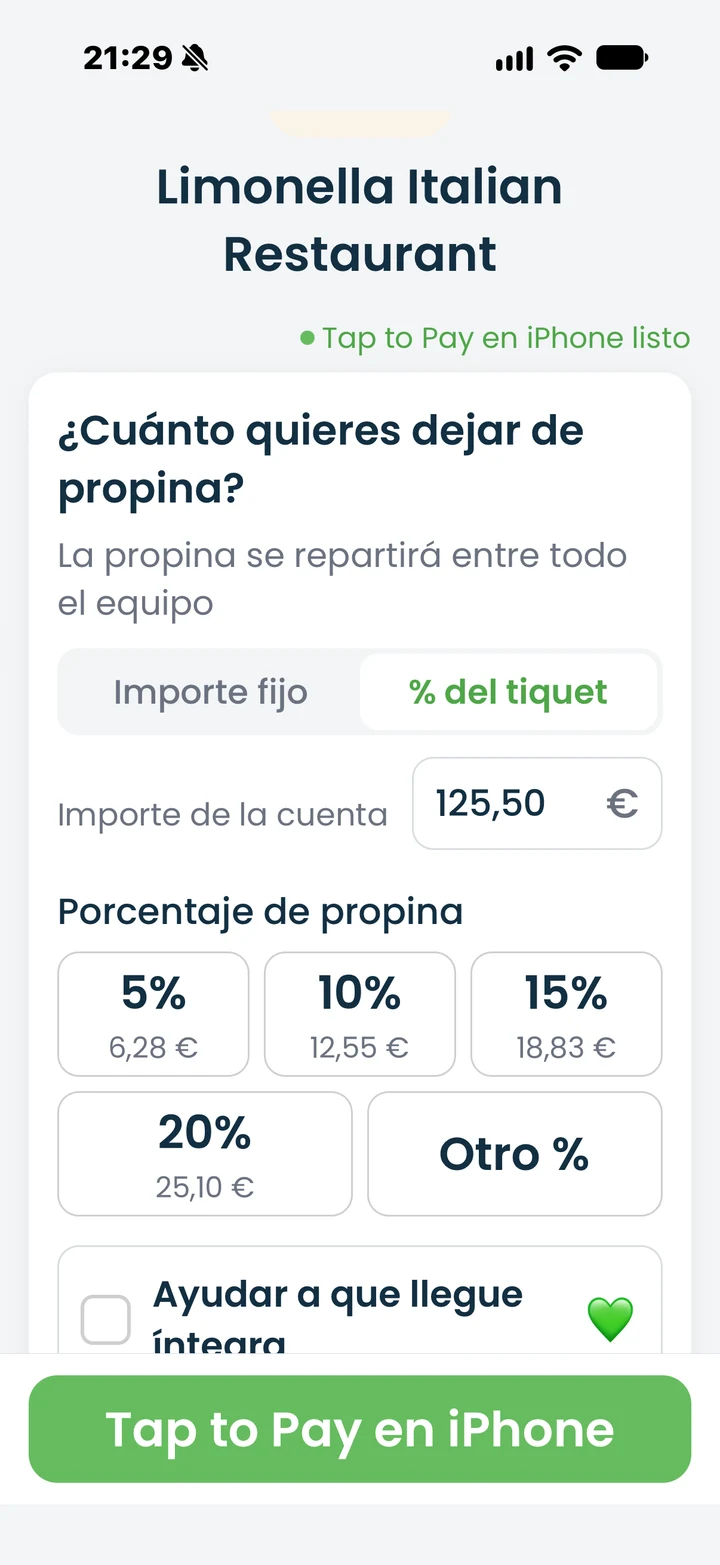
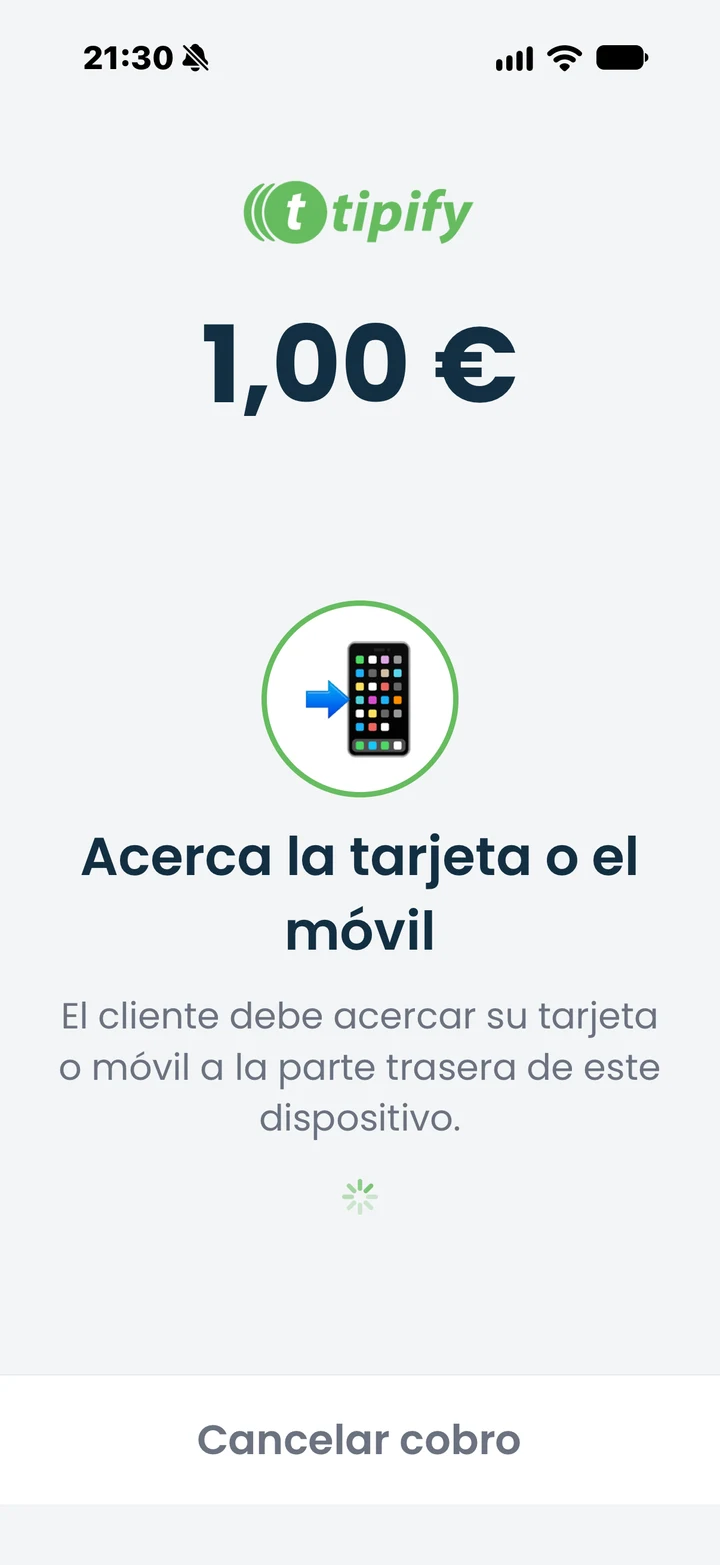
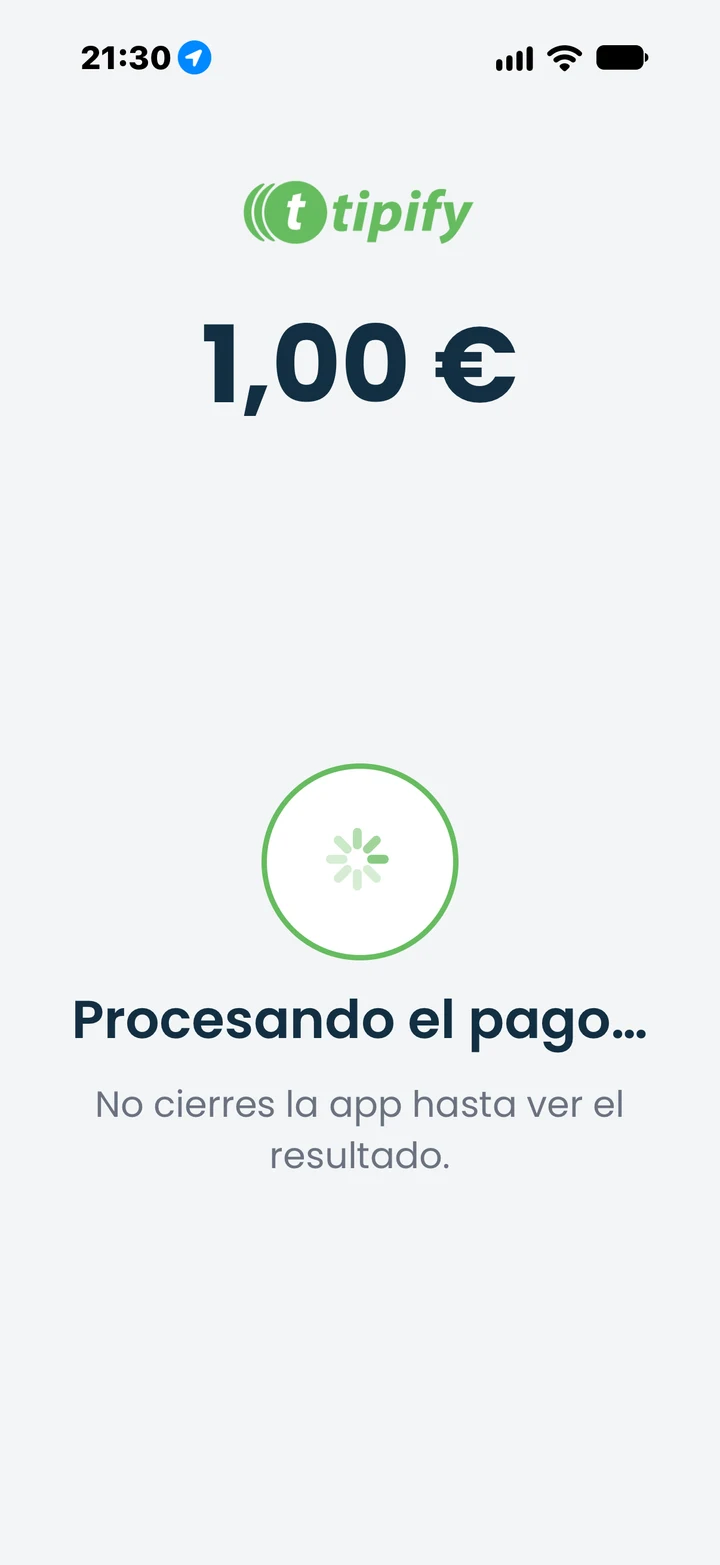
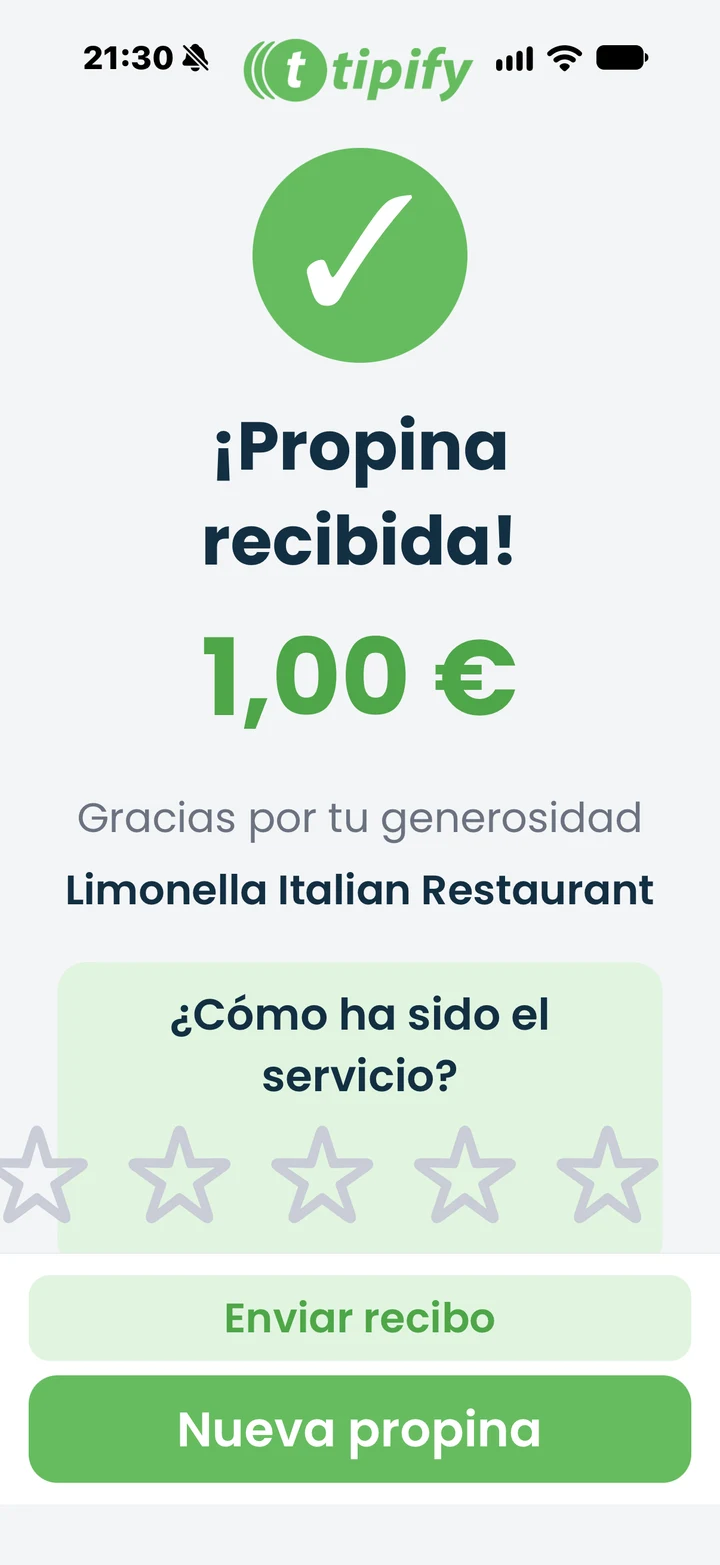
Want it for your venue? Request a demoDemo with six real screens: fixed amount, bill percentage, hold card near, process payment, record tip and confirmation. Use the steps to navigate manually.
Setup depends on who receives the tip and the device your team uses.
Sign in to your Tipify account and check the venue, person or team that will receive tips.
Show the options configured for your venue and let the customer choose their tip.
Follow the Tap to Pay instructions on your compatible phone. The app confirms when payment is complete.
Bring your phone to the moment of service. The customer chooses a tip and pays with a compatible contactless card or payment method.
Check compatible devices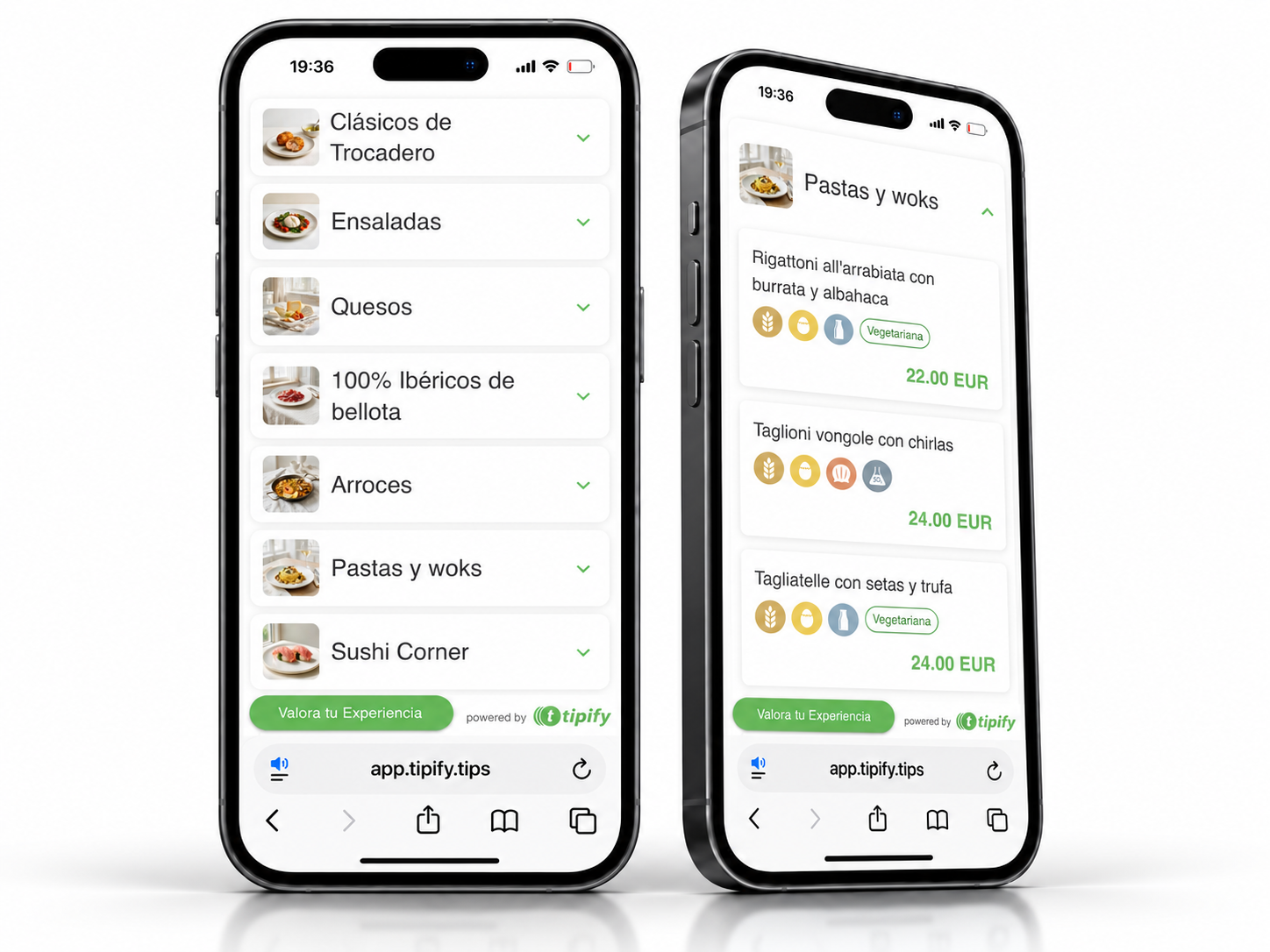
Keep access close at hand on the table or digital menu. The customer opens Tipify in their browser, without installing an app.
Explore the digital menuStart with the Free plan, with no monthly subscription. Transaction fees apply.
Features and requirements may vary by platform, version and setup. Always check the current listing.
To accept payments: iPhone XS or later and the latest iOS version, according to the Tipify TPV listing. You need your Tipify account and must complete activation.
App store installation compatibility does not imply Tap to Pay support on iPad or other devices.
View App Store listingAndroid 13 or later, NFC, Google Play Services, a network connection and location enabled. The device must not be rooted or have an unlocked bootloader.
The listing requires a Stripe account connected to Tipify. Final compatibility depends on the device and activation.
View Google Play listingNo. The app is installed on the phone accepting the tip. The customer uses a compatible contactless card or payment method, following the app’s instructions. Tipify’s QR tipping experience remains available in the customer’s browser.
No. Requirements differ between Android and iPhone. Read the compatibility section and your app store listing before installing. NFC alone does not guarantee compatibility.
Yes. You need a Tipify account and must complete the setup required to accept payments. The Android app listing also requires a Stripe account connected to Tipify. We can review activation for your venue with you.
This page presents tip acceptance with Tipify TPV. The iPhone listing also describes collecting the bill and tip from POS software; availability must be checked for each setup. This does not imply support for all POS systems or the same features on Android.
According to your account and venue configuration: by person, unit or team where applicable. Review the distribution model and your plan’s terms before activation.
Tipify TPV is included at no additional subscription fee in Tipify’s published plans. Plan and service fees and terms apply. Check current pricing and settlement terms before activation.
Create your account and check how to activate Tipify TPV for your team. Prefer a walkthrough? Request a demo.
Free plan with no monthly subscription. Transaction fees apply.